The Model Context Protocol (MCP): Giving AI “Hands”
If you have been using AI for coding, you know the frustration: the AI is smart, but it is trapped in a box. It cannot see your database, it cannot check your server logs, and it does not know about your company’s internal documentation.
The Model Context Protocol (MCP) is the emerging standard solving this problem. This post covers the architecture, the best servers available today, how to build your own from scratch, and the security pitfalls to avoid.
What is MCP?
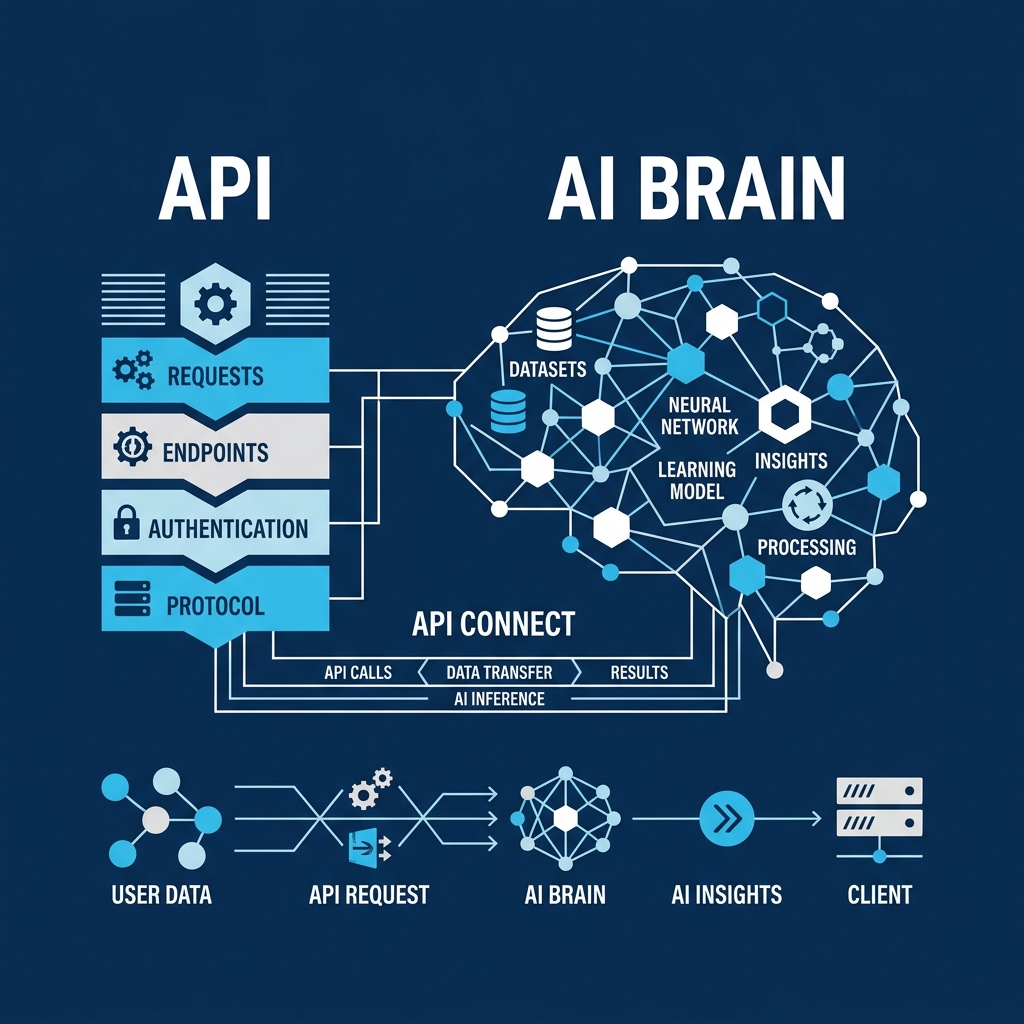
Think of MCP as an API designed for AI. It allows you to expose tools (executable functions), resources (readable data), and prompts (reusable templates) to an LLM. Instead of copying and pasting logs into a chat window, you connect your AI client, like Cursor, Claude Desktop, or an agentic framework, to an MCP server.
This gives the AI actions to manipulate your environment and context to read your data.
The architecture: client, server, and tools
MCP follows a client-server model:
┌─────────────────┐       JSON-RPC        ┌─────────────────┐
│   MCP Client    │ ◄──────────────────► │   MCP Server    │
│  (Claude, Cursor │    (stdio or SSE)    │  (your code)    │
│   VS Code, etc.) │                      │                 │
└─────────────────┘                      └────────┬────────┘
                                                  │
                                      ┌───────────┼───────────┐
                                      ▼           ▼           ▼
                                  ┌───────┐  ┌──────────┐ ┌────────┐
                                  │ Tools │  │ Resources│ │Prompts │
└───────┘ └──────────┘ └────────┘- The client: Any AI-powered application, like Claude Desktop, Cursor, Windsurf, or a custom agent. It discovers what capabilities a server offers, then calls them when the LLM decides it needs to.
- The server: A lightweight process you run. It registers tools, resources, and prompts, then waits for requests over a transport layer, using stdio for local processes and SSE for remote ones.
- The primitives: The tools, resources, and prompts the server exposes. The LLM sees their names and descriptions, then decides when to invoke them.
The model itself decides when to call a tool. You describe what the tool does, and the LLM determines the right moment to use it based on the user’s intent.
MCP servers to use today
The ecosystem is growing rapidly. Here are some useful MCP servers that change how you build software, along with examples of how they work:
Chrome DevTools
Allows the AI to open a headless browser, click buttons, inspect the console for errors, and verify CSS or layout fixes. It works like an automated QA tester built into your editor.
Example interaction:
You: “My signup form button is invisible on mobile. Can you check what’s happening?”
AI calls
browser_navigateto openlocalhost:3000/signupwith a mobile viewport. AI callsbrowser_console_errorsand finds anUncaught TypeErrorinform.js. AI callsbrowser_screenshotand sees the button is rendered behind the footer.AI responds: “There are two issues: a JS error preventing the loading state, and your
.submit-btnhasposition: absolutewithout az-index, so it renders behind the footer on viewports under 640px. Here is the fix…”
Sentry
Instead of searching for bugs in a dashboard, you can ask the AI to retrieve and fix active errors.
Example interaction:
You: “What are the latest unresolved errors in production?”
AI calls
sentry_search_issueswith queryis:unresolvedand projectweb-app.AI responds: “There are three unresolved issues. The most frequent is a
TypeError: Cannot read property 'email' of undefinedinUserProfile.tsxat line 42, occurring 847 times in the last 24 hours. The user object is not checked after the API call. Here is the fix…”
Postgres and databases
Give the AI read-access to your database schema. It can then write SQL queries without you having to copy the schema into the prompt.
Example interaction:
You: “Which customers signed up in the last week but haven’t made a purchase?”
AI calls
querywith:SELECT * FROM customers WHERE created_at > NOW() - INTERVAL '7 days' AND id NOT IN (SELECT customer_id FROM orders)AI responds: “Found 23 customers. Here is the breakdown by signup source…” (then formats a table)
Stripe
Manage customers, create test products, and inspect invoices through natural language.
Example interaction:
You: “Create a test product called ‘Pro Plan’ at $29/month with a 14-day trial.”
AI calls
stripe_create_productwith namePro Plan. AI callsstripe_create_pricewithunit_amount: 2900,recurring.interval: month,trial_period_days: 14.AI responds: “Product
prod_xxxis live in test mode with a $29/month price and 14-day free trial. Here is the checkout link to test it…”
MCP resources vs tools
MCP exposes three primitives, and two of them, resources and tools, serve different purposes.
Tools are actions. They perform operations, such as querying a database, sending an email, or creating a file. The model invokes them, and they can have side effects. They behave similarly to POST endpoints.
Resources are data. They provide context for the model to read, like a file’s contents, a database schema, or a config file. They are read-only and identified by a URI, behaving similarly to GET endpoints.
// Resource: provides data for context
server.resource("schema", "db://schema", async () => ({
  contents: [
    {
      uri: "db://schema",
      text: await getDbSchema(), // read-only
      mimeType: "text/plain",
    },
  ],
}));

// Tool: performs an action
server.tool("run_query", { sql: z.string() }, async ({ sql }) => {
  const rows = await db.query(sql); // has side effects
  return { content: [{ type: "text", text: JSON.stringify(rows) }] };
});
Resources can be loaded by the client to add to the LLM’s context window before the user asks a question. Tools are only called when the model decides to act. An MCP server uses resources for information and tools for actions.
MCP prompts: the third primitive
Prompts are reusable, parameterized templates that a server exposes to guide the LLM’s behavior. You can think of them as server-defined slash commands.
server.prompt("code_review", { pr_diff: z.string() }, ({ pr_diff }) => ({
  messages: [
    {
      role: "user",
      content: {
        type: "text",
        text: `Review this PR diff for bugs, security issues, and style problems. Be concise.

${pr_diff}`,
      },
    },
  ],
}));
When a user selects this prompt in their client, the LLM receives a structured request. This allows teams to standardize how their AI handles tasks like code reviews, incident reports, or data analysis, shipping those patterns as part of the MCP server.
Building your own MCP server
Here is how to build a basic weather lookup MCP server:
import { McpServer } from "@modelcontextprotocol/sdk/server/mcp.js";
import { StdioServerTransport } from "@modelcontextprotocol/sdk/server/stdio.js";
import { z } from "zod";

const server = new McpServer({
  name: "WeatherServer",
  version: "1.0.0",
});

// Define a tool the AI can call
server.tool(
  "get_weather",
  "Get the current weather for a city",
  { city: z.string().describe("City name, e.g. 'London'") },
  async ({ city }) => {
    const res = await fetch(`https://wttr.in/${encodeURIComponent(city)}?format=j1`);
    const data = await res.json();
    const current = data.current_condition[0];

    return {
      content: [
        {
          type: "text",
          text:
            `Weather in ${city}: ${current.temp_C}°C, ${current.weatherDesc[0].value}. ` +
            `Humidity: ${current.humidity}%, Wind: ${current.windspeedKmph} km/h`,
        },
      ],
    };
  },
);

// Connect via stdio transport (for local use with Claude Desktop / Cursor)
const transport = new StdioServerTransport();
await server.connect(transport);
Stdio vs SSE transport
- Stdio: The client spawns your server as a child process. Communication runs over
stdinandstdout. This is the default for local tools used by Claude Desktop and Cursor, requiring no network or authentication setup. - SSE (Server-Sent Events): The server runs as a standalone HTTP service, and clients connect over the network. This is useful when hosting a shared MCP server for a team or deploying it remotely.
For local development and personal use, stdio is the standard option. SSE is suitable for hosted infrastructure.
Getting started: configuring your client
Most MCP clients use a JSON configuration file to manage active servers.
For Claude Desktop (~/Library/Application Support/Claude/claude_desktop_config.json):
{
  "mcpServers": {
    "weather": {
      "command": "node",
      "args": ["./mcp-servers/weather/index.js"]
    },
    "postgres": {
      "command": "npx",
      "args": ["-y", "@modelcontextprotocol/server-postgres"],
      "env": {
        "DATABASE_URL": "postgresql://user:pass@localhost:5432/mydb"
      }
    }
  }
}
For Cursor (.cursor/mcp.json in your project root):
{
  "mcpServers": {
    "weather": {
      "command": "node",
      "args": ["./mcp-servers/weather/index.js"]
    }
  }
}
After saving the configuration, restart the client. The new tools will appear in the client interface, and the AI will call them when they are relevant to your prompts.
Security considerations
MCP is powerful, which means it can be dangerous if you are careless. Consider the following safety measures:
- Principle of least privilege: Give the AI read-only access unless you need write operations. A read-only database user is recommended.
- Validate inputs: The model generates the arguments for your tools. Treat them like untrusted user input, and use validation schemas like Zod.
- Do not expose secrets: Avoid returning API keys, tokens, or credentials in tool outputs, as these enter the LLM’s context window.
- Use caution with shell tools: Tools that execute shell commands or code carry risks. Sandbox these processes and limit their permissions.
- Audit tool calls: Log every tool invocation, including arguments and results, to help debug issues.
As a general rule, avoid giving an MCP server access permissions that you would not give to an unverified third-party script.
Where MCP is heading
We are moving from AI as a text generator to AI as an active participant in our development environments, and eventually in production systems.
Key trends include:
- Composable agent architectures: Multiple MCP servers working together, allowing an AI agent to query error logs, find a bug, create a git branch, write the code fix, and monitor the CI build.
- Discovery registries: Standardized directories for finding verified MCP servers.
- Authentication standards: OAuth-based protocols to secure connections to remote MCP servers.
- Streaming tools: Support for streaming outputs to monitor active logs or network connections in real time.
By standardizing how tools talk to LLMs, the protocol provides the foundation for agentic software workflows.