Unlocking the Power of Django: A Developer-Friendly Architecture Guide
How Django's architecture makes it developer-friendly, and how it can speed up your next web project.
Django Made Me Feel Like a Superhero (Here's Why)
Storytime: the first time I scaffolded a Django project, I had a working admin interface — with login, user management, and full CRUD for my data models — before I'd written a single line of custom HTML. I remember sitting back and thinking, did that just... work? I'd been wrestling with other frameworks for hours to get a fraction of that. Django just handed it to me.
That "batteries included" feeling is real, and it's deliberate. Django was built by developers under real newsroom deadline pressure who were tired of solving the same problems over and over. The result is a framework that makes common things effortless and uncommon things possible.
Let's dig into what makes Django tick — and why, nearly twenty years later, it's still one of the most productive tools in the Python ecosystem.
A Little Context (The Good Kind)
Django came out of the Lawrence Journal-World newspaper in Kansas, circa 2003. Adrian Holovaty and Simon Willison were building content management systems fast — newsroom deadlines don't wait — and kept rebuilding the same infrastructure. So they extracted it, cleaned it up, and open-sourced it in 2005.
They named it after jazz guitarist Django Reinhardt. I personally love that. There's something fitting about naming a framework built for improvisation and speed after someone who mastered both.
The Django Software Foundation maintains it today, backed by a huge global community. It's not a trendy new thing. It's a battle-tested tool that has quietly powered some of the internet's biggest properties for two decades.
The MTV Pattern: Django's Take on MVC
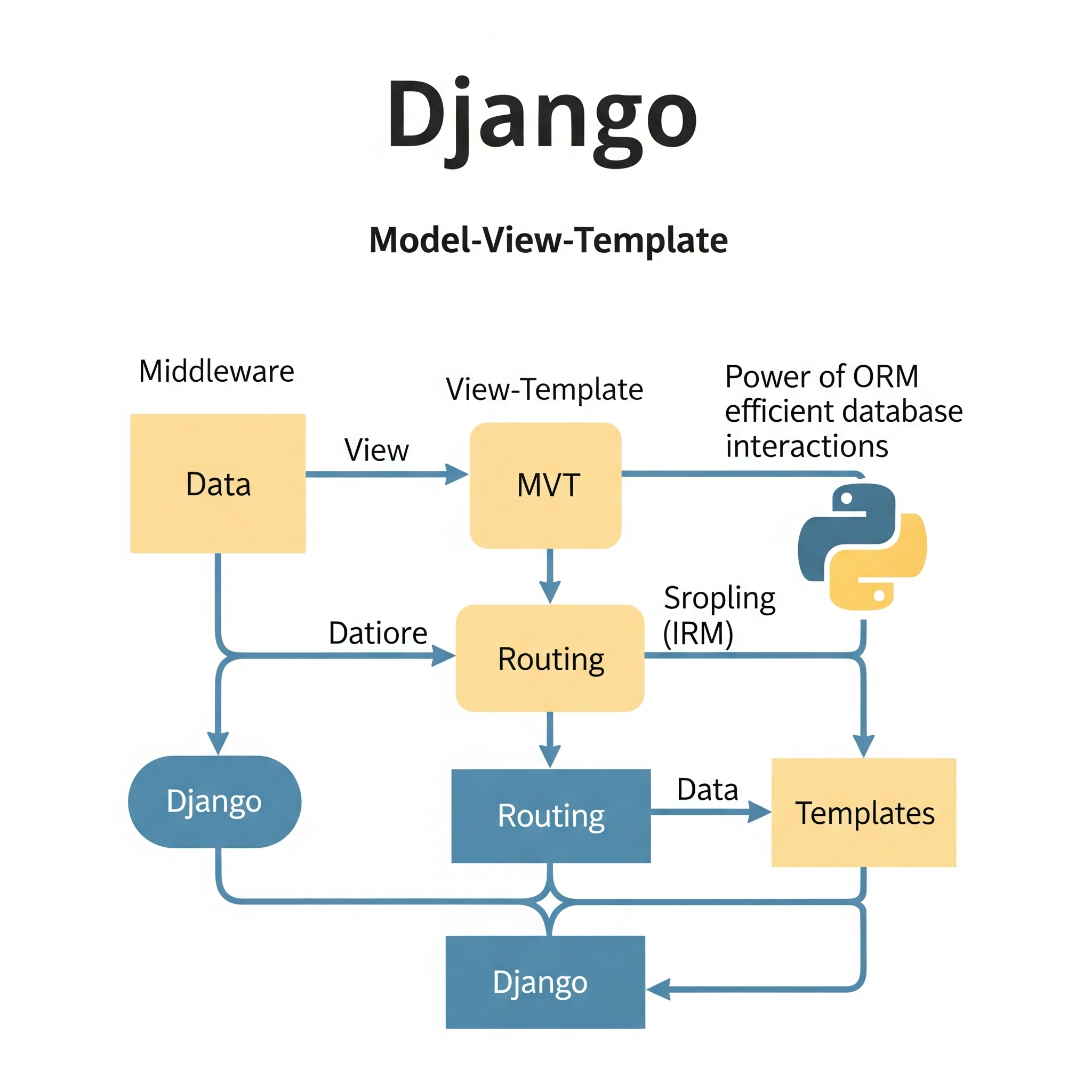
Before you do anything with Django, it helps to understand how it thinks about your application. Most frameworks use MVC (Model-View-Controller). Django calls it MTV: Model, Template, View. Same idea, different names — but the distinction matters once you're inside it.
Model: Your Data, Defined in Python
The Model layer is where your database lives. Django's ORM (Object-Relational Mapper) lets you define your schema as Python classes. No raw SQL for the everyday stuff.
from django.db import models

class Article(models.Model):
    title = models.CharField(max_length=200)
    content = models.TextField()
    published_date = models.DateTimeField(auto_now_add=True)
    author = models.ForeignKey('auth.User', on_delete=models.CASCADE)
That's a full database table — with relationships, constraints, and auto-timestamping. Django handles the migration to your actual database automatically. I've personally shipped schema changes in production that I was genuinely nervous about, and Django's migration system made them boring. That's a compliment.
Template: HTML Without the Mess
Templates handle presentation. Django's template language keeps Python logic out of your HTML and HTML out of your Python. Designers can work on templates without touching backend code. The system supports inheritance, so you define your layout once and extend it everywhere — classic DRY.
View: The Logic in the Middle
Views are where requests come in and responses go out. They query your models, do whatever processing is needed, and hand data to templates.
from django.shortcuts import render
from .models import Article

def article_list(request):
    articles = Article.objects.filter(published=True).order_by('-published_date')
    return render(request, 'articles/list.html', {'articles': articles})
Notice that ORM query — Article.objects.filter(published=True).order_by('-published_date'). That reads almost like English, and it generates optimized SQL behind the scenes. The full request flow looks like this: URL dispatcher → View → Model → Template → HTTP Response. Clean and predictable.
The Parts That Make Django Special
URL Configuration
Django maps URLs to views explicitly, which I find much easier to reason about than magic routing.
from django.urls import path
from . import views

urlpatterns = [
    path('articles/', views.article_list, name='article_list'),
    path('articles/<int:pk>/', views.article_detail, name='article_detail'),
]
Named URLs (name='article_list') mean you can reverse-lookup URLs in templates and code without hardcoding paths. Change the URL structure later? Update it in one place.
The Admin Interface (This One's the Real Party Trick 🎉)
Register your model with Django's admin and you get a full management UI — search, filter, bulk actions, CRUD — for free.
from django.contrib import admin
from .models import Article

admin.site.register(Article)
That's it. That's the whole thing. You can customize it extensively, but out of the box it's genuinely impressive. It's one of those Django features that sounds too good to be true until you use it.
Security You Don't Have to Think About
This is where I personally sleep better using Django. The framework protects against the OWASP greatest hits by default:
- CSRF protection on all state-changing requests — tokens handled automatically
- SQL injection prevention via the ORM's parameterized queries
- XSS protection through automatic HTML escaping in templates
- Clickjacking protection built into the middleware stack
You still need to think about security — but Django's defaults mean you don't accidentally ship something catastrophically vulnerable on a Tuesday afternoon.
Why Django Scales Better Than You'd Expect
Instagram ran on Django at hundreds of millions of users. Spotify. Mozilla. This isn't a framework that falls over when traffic shows up.
Django's shared-nothing architecture means each instance is independent — add more servers, distribute the load. Beyond that, there are a few patterns that make a real difference:
Avoid the N+1 problem with select_related and prefetch_related:
# Without this, Django hits the database once per article to get the author
articles = Article.objects.select_related('author').filter(published=True)
That one method call can take a page from dozens of database queries to one. I've seen this change go from "site is slow" to "site is fine" in under five minutes.
Caching at multiple levels — query results, template fragments, entire view responses — is built in. Redis and Memcached are first-class citizens.
Async support is real now too. Django's ASGI support via Daphne or Uvicorn means you can handle WebSockets and async views without leaving the ecosystem.
The Ecosystem Is Genuinely Excellent
One of my favorite things about Django is what it unlocks through packages:
- Django REST Framework — if you're building an API, this is the gold standard. Serializers, authentication, throttling, versioning, all of it.
- Celery — background task processing. Offload anything slow (emails, image processing, API calls) to a worker queue.
- django-allauth — social login, email verification, multiple accounts. Takes a weekend problem and makes it an afternoon one.
- Wagtail — a full CMS built on Django. Enterprise-ready, editor-friendly, extensible.
Find what fits your project — the ecosystem has probably already solved your problem.
A Note on Accessibility and Security in Templates
One thing worth calling out: Django's automatic HTML escaping protects against XSS, but you still need to think about the semantic HTML you're generating. Screen readers, keyboard navigation, proper ARIA attributes — those are on you. Django doesn't make accessible UIs automatically, but it also doesn't get in your way. Structure your templates with care.
Should You Use Django?
Here's my honest take. Django is incredible for:
- Content-heavy sites, blogs, news platforms (its literal origin story)
- REST APIs, especially with Django REST Framework
- Admin-heavy internal tools where the built-in admin saves weeks
- SaaS products where you need auth, subscriptions, and user management fast
- MVPs where you need to validate an idea before over-engineering it
It's less of a slam-dunk for real-time applications (though Django Channels handles this), ultra-high-performance microservices, or projects where the Python ecosystem is a mismatch.
But for the use cases it was designed for? It's hard to beat.
Go Build Something
The best way to understand Django is to build something real with it. Not a "Hello World." Pick a problem you actually want to solve — a personal blog, a bookmarking tool, a small API for something you use daily.
Scaffold the project, define a model, register it with the admin, and see that UI appear from nothing. That moment is what hooked me. It'll probably hook you too.
The official Django documentation is genuinely one of the best in the industry — detailed, well-organized, and full of examples. Start with the tutorial. It's worth every minute.
You've got this. Go ship something. 🎉
Resources to Keep Handy:
- Official Django Docs
- Django Packages — find packages for almost anything
- Django REST Framework
- Two Scoops of Django — the best practices book
- Django Security Checklist

Norbert Br3tt