Modern JavaScript: Mastering the Fetch API with Async/Await
Learn how to make clean, readable HTTP requests in JavaScript using the Fetch API and async/await. From basic GET requests to error handling, authentication, and real-world patterns.
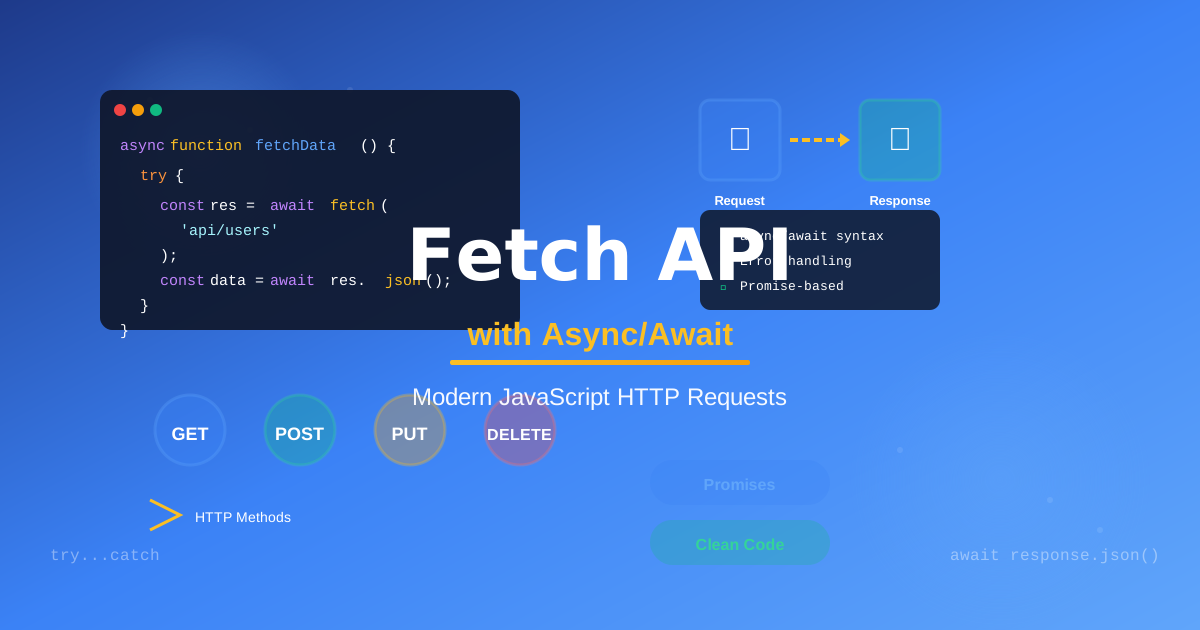
Understanding Async/Await (Without the Headache)
Here's a thing that happened to me: I spent six months writing .then().catch() chains that I didn't fully trust. They worked. Mostly. But every time I wrote one, I held my breath a little.
Then I rewrote one of those chains using async/await, read it back, and it was just... sentences. It read like English. I've personally never gone back.
Let me show you what's happening under the hood — and more importantly, how to write it in a way that feels natural rather than like a puzzle you're solving.
Why This Matters
JavaScript is single-threaded, which means it can only do one thing at a time. But fetching data from an API, reading a file, or waiting for a timer shouldn't freeze your whole app. That's what asynchronous code is for — it says "start this, and come back when it's done."
async/await is syntax built on top of Promises. It doesn't change what JavaScript does; it changes how you read and write it.
Before You Do Anything
A quick vocabulary check:
- Promise — an object representing a value that isn't available yet
async— marks a function as asynchronous; it will always return a Promiseawait— pauses execution inside an async function until the Promise resolves
You can only use await inside an async function. That's the one rule to internalize.
Let's Fetch Some Data
Here's the old Promise chain way:
fetch('https://api.example.com/users')
  .then(response => response.json())
  .then(data => console.log(data))
  .catch(error => console.error(error));
It works. But nesting gets messy fast. Here's the same thing with async/await:
async function getUsers() {
  try {
    const response = await fetch('https://api.example.com/users');
    const data = await response.json();
    console.log(data);
  } catch (error) {
    console.error(error);
  }
}
Notice how it reads top-to-bottom, like synchronous code. The await keyword tells JavaScript: "hold here until this Promise resolves, then give me the value."
That try/catch block is handling errors — the async/await equivalent of .catch().
The Part That Trips People Up: Two Awaits
See those two await calls? fetch() returns a Promise for the response object — not the data. You have to call .json() on it, which is also asynchronous.
So:
await fetch(url)→ gives you the Responseawait response.json()→ gives you the actual parsed data
I personally got burned by this the first time. You'll forget the second await once, see [object Promise] in your console, and never forget again. That's fine — it's a rite of passage. 😄
Running Multiple Requests in Parallel
One common mistake: awaiting requests one at a time when they don't depend on each other.
// Slow — sequential, each waits for the previous
const user = await fetchUser(id);
const posts = await fetchPosts(id);

// Fast — parallel, both start at once
const [user, posts] = await Promise.all([
  fetchUser(id),
  fetchPosts(id)
]);
Promise.all takes an array of Promises and resolves when all of them finish. If the requests are independent, this is almost always what you want. I use it constantly.
Error Handling: Don't Skip This
async function getUser(id) {
  try {
    const response = await fetch(`/api/users/${id}`);

    // fetch() only rejects on network failure — not HTTP errors!
    if (!response.ok) {
      throw new Error(`HTTP error: ${response.status}`);
    }

    return await response.json();
  } catch (error) {
    // Handle gracefully — don't just swallow the error
    console.error('Failed to fetch user:', error);
    return null;
  }
}
Watch out for this: fetch() only throws on network failures (no connection, DNS error). A 404 or 500 response is still a "successful" fetch as far as JavaScript is concerned. Always check response.ok.
A Real-World Pattern
Here's a pattern I reach for all the time when building UI components:
async function loadDashboard() {
  const loadingEl = document.getElementById('loading');
  const contentEl = document.getElementById('content');

  loadingEl.hidden = false;

  try {
    const [user, stats] = await Promise.all([
      fetchUser(),
      fetchStats()
    ]);

    renderDashboard(user, stats);
    contentEl.hidden = false;
  } catch (error) {
    showErrorState(error);
  } finally {
    loadingEl.hidden = true; // always hide the loader
  }
}
The finally block runs regardless of success or failure — perfect for hiding loading states. Find what works for your project, but I've landed on this shape for most data-fetching scenarios.
Go Make Something That Talks to an API
Start small: find a free public API (the JSONPlaceholder mock API is great for practice), fetch some data, render it to the page.
Once async/await clicks, you'll wonder how you managed without it. It's one of those tools that doesn't just make code shorter — it makes it thinkable. And that's worth a lot.
You've got this. Go fetch something. 🎉

Norbert Br3tt