Django made me feel like a superhero (here’s why)
Storytime: the first time I scaffolded a Django project, I had a working admin interface, complete with login, user management, and full CRUD for my data models, before I had written a single line of custom HTML. I remember sitting back and thinking, did that just… work? I had been wrestling with other frameworks for hours to get a fraction of that. Django just handed it to me.
That “batteries included” feeling is real, and it is deliberate. Django was built by developers under real newsroom deadline pressure who were tired of solving the same problems over and over. The result is a framework that makes common things effortless and uncommon things possible.
Let’s dig into what makes Django tick, and why, nearly twenty years later, it is still one of the most productive tools in the Python ecosystem.
A little context (the good kind)
Django came out of the Lawrence Journal-World newspaper in Kansas, circa 2003. Adrian Holovaty and Simon Willison were building content management systems fast (newsroom deadlines do not wait) and kept rebuilding the same infrastructure. So they extracted it, cleaned it up, and open-sourced it in 2005.
They named it after jazz guitarist Django Reinhardt. I personally love that. There is something fitting about naming a framework built for improvisation and speed after someone who mastered both.
The Django Software Foundation maintains it today, backed by a large global community. It is not a trendy new thing. It is a battle-tested tool that has quietly powered some of the internet’s largest properties for two decades.
The MTV pattern: Django’s take on MVC
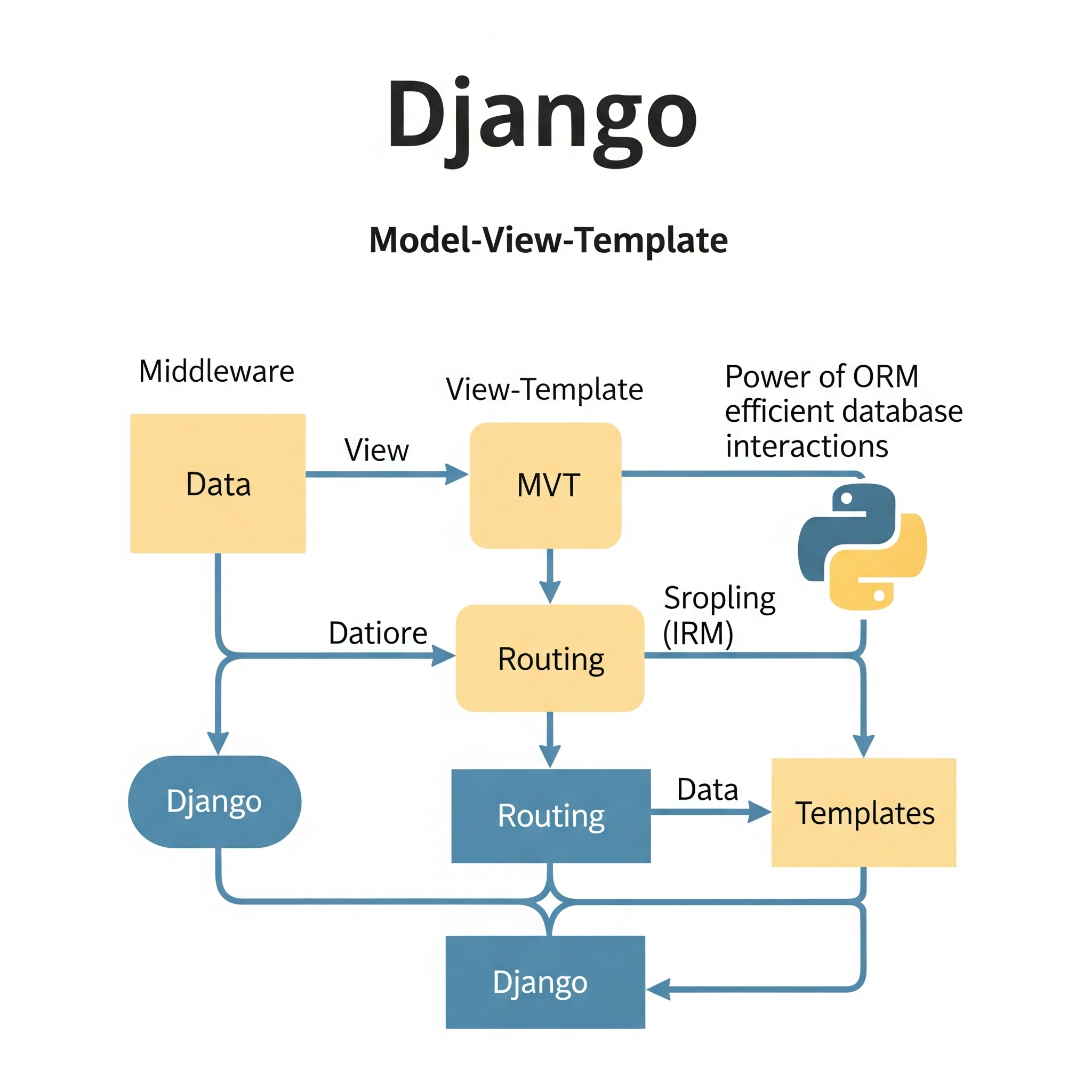
Before you do anything with Django, it helps to understand how it thinks about your application. Most frameworks use MVC (Model-View-Controller). Django calls it MTV: Model, Template, View. Same idea, different names, but the distinction matters once you’re inside it.
Model: your data, defined in Python
The Model layer is where your database lives. Django’s ORM (Object-Relational Mapper) lets you define your schema as Python classes, avoiding raw SQL for the everyday stuff.
from django.db import models

class Article(models.Model):
    title = models.CharField(max_length=200)
    content = models.TextField()
    published_date = models.DateTimeField(auto_now_add=True)
    author = models.ForeignKey('auth.User', on_delete=models.CASCADE)
That is a full database table with relationships, constraints, and auto-timestamping. Django handles the migration to your actual database automatically. I have personally shipped schema changes in production that I was genuinely nervous about, and Django’s migration system made them boring. That is a compliment.
Template: HTML without the mess
Templates handle presentation. Django’s template language keeps Python logic out of your HTML and HTML out of your Python. Designers can work on templates without touching backend code. The system supports inheritance, so you define your layout once and extend it everywhere, keeping things clean and dry.
View: the logic in the middle
Views are where requests come in and responses go out. They query your models, do whatever processing is needed, and hand data to templates.
from django.shortcuts import render
from .models import Article

def article_list(request):
    articles = Article.objects.filter(published=True).order_by('-published_date')
    return render(request, 'articles/list.html', {'articles': articles})
Notice that ORM query: Article.objects.filter(published=True).order_by('-published_date'). That reads almost like English, and it generates optimized SQL behind the scenes. The full request flow is: URL dispatcher, View, Model, Template, and finally the HTTP Response. Clean and predictable.
The parts that make Django special
URL configuration
Django maps URLs to views explicitly, which I find much easier to reason about than magic routing.
from django.urls import path
from . import views

urlpatterns = [
    path('articles/', views.article_list, name='article_list'),
    path('articles/<int:pk>/', views.article_detail, name='article_detail'),
]
Named URLs (name='article_list') mean you can reverse-lookup URLs in templates and code without hardcoding paths. If you change the URL structure later, you can update it in one place.
The admin interface: the real party trick
Register your model with Django’s admin and you get a full management UI, including search, filter, bulk actions, and CRUD, for free.
from django.contrib import admin
from .models import Article

admin.site.register(Article)
That is the whole setup. You can customize it extensively, but out of the box it is genuinely impressive. It is one of those Django features that sounds too good to be true until you use it.
Security you don’t have to think about
This is where I personally sleep better using Django. The framework protects against common vulnerabilities by default:
- CSRF protection on all state-changing requests, with tokens handled automatically
- SQL injection prevention via the ORM’s parameterized queries
- XSS protection through automatic HTML escaping in templates
- Clickjacking protection built into the middleware stack
You still need to think about security, but Django’s defaults mean you don’t accidentally ship something catastrophically vulnerable on a Tuesday afternoon.
Why Django scales better than you’d expect
Instagram ran on Django at hundreds of millions of users. Spotify and Mozilla use it too. This is not a framework that falls over when traffic shows up.
Django’s shared-nothing architecture means each instance is independent, allowing you to add more servers and distribute the load. Beyond that, there are a few patterns that make a real difference:
Avoid the N+1 problem with select_related and prefetch_related:
# Without this, Django hits the database once per article to get the author
articles = Article.objects.select_related('author').filter(published=True)
That one method call can take a page from dozens of database queries to one. I have seen this change go from “site is slow” to “site is fine” in under five minutes.
Caching at multiple levels (query results, template fragments, and entire view responses) is built in. Redis and Memcached are first-class citizens.
Async support is real now too. Django’s ASGI support via Daphne or Uvicorn means you can handle WebSockets and async views without leaving the ecosystem.
The ecosystem is genuinely excellent
One of my favorite things about Django is what it unlocks through packages:
- Django REST Framework: If you are building an API, this is the gold standard. It handles serializers, authentication, throttling, and versioning.
- Celery: Background task processing. This lets you offload slow tasks like emails, image processing, and API calls to a worker queue.
- django-allauth: Handles social login, email verification, and multiple accounts, turning a weekend problem into an afternoon one.
- Wagtail: A full CMS built on Django. It is enterprise-ready, editor-friendly, and extensible.
Find what fits your project, as the ecosystem has probably already solved your problem.
A note on accessibility and security in templates
One thing worth calling out: Django’s automatic HTML escaping protects against XSS, but you still need to think about the semantic HTML you are generating. Screen readers, keyboard navigation, and proper ARIA attributes are all on you. Django does not make accessible UIs automatically, but it also does not get in your way. Structure your templates with care.
Should you use Django?
Here is my honest take. Django is incredible for:
- Content-heavy sites, blogs, and news platforms (its literal origin story)
- REST APIs, especially with Django REST Framework
- Admin-heavy internal tools where the built-in admin saves weeks of work
- SaaS products where you need auth, subscriptions, and user management fast
- MVPs where you need to validate an idea before over-engineering it
It is less of a slam-dunk for real-time applications (though Django Channels handles this), ultra-high-performance microservices, or projects where the Python ecosystem is a mismatch.
But for the use cases it was designed for, it is hard to beat.
Go build something
The best way to understand Django is to build something real with it. Do not start with a “Hello World.” Pick a problem you actually want to solve: a personal blog, a bookmarking tool, or a small API for something you use daily.
Scaffold the project, define a model, register it with the admin, and see that UI appear from nothing. That moment is what hooked me, and it will probably hook you too.
The official Django documentation is genuinely one of the best in the industry, being detailed, well-organized, and full of examples. Start with the tutorial. It is worth every minute.
Go ship something.