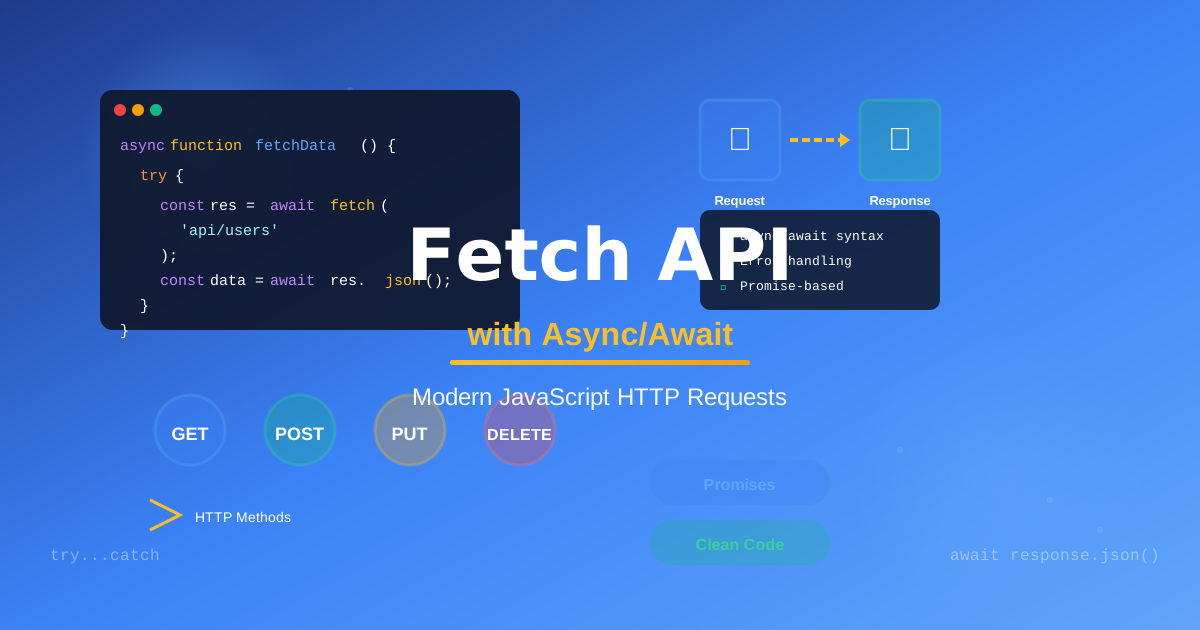
Understanding async/await (without the headache)
Here’s a thing that happened to me: I spent six months writing .then().catch() chains that I didn’t fully trust. They worked, mostly, but every time I wrote one, I held my breath a little.
Then I rewrote one of those chains using async/await, read it back, and it was just sentences. It read like English. I have personally never gone back.
Let me show you what is happening under the hood, and more importantly, how to write it in a way that feels natural rather than like a puzzle you are solving.
Why this matters
JavaScript is single-threaded, meaning it can only do one thing at a time. But fetching data from an API, reading a file, or waiting for a timer shouldn’t freeze your whole app. That is what asynchronous code is for: it starts a task and then lets JavaScript run other code until the task finishes.
async/await is syntax built on top of Promises. It does not change what JavaScript does, only how you read and write it.
Before you do anything
A quick vocabulary check:
- Promise: An object representing a value that is not available yet.
async: Marks a function as asynchronous, ensuring it always returns a Promise.await: Pauses execution inside an async function until the Promise resolves.
You can only use await inside an async function. That is the one rule to internalize.
Let’s fetch some data
Here is the old Promise chain way:
fetch("https://api.example.com/users")
  .then((response) => response.json())
  .then((data) => console.log(data))
  .catch((error) => console.error(error));
It works, but nesting gets messy fast. Here is the same thing with async/await:
async function getUsers() {
  try {
    const response = await fetch("https://api.example.com/users");
    const data = await response.json();
    console.log(data);
  } catch (error) {
    console.error(error);
  }
}
Notice how it reads top-to-bottom, like synchronous code. The await keyword tells JavaScript to hold here until this Promise resolves, then return the value.
The try/catch block handles errors, functioning as the async/await equivalent of .catch().
The part that trips people up: two awaits
See those two await calls? fetch() returns a Promise for the response object, not the data. You have to call .json() on it, which is also asynchronous.
So:
await fetch(url)gives you the Response.await response.json()gives you the actual parsed data.
I got burned by this the first time. You will forget the second await once, see [object Promise] in your console, and never forget again. It is just a rite of passage.
Running multiple requests in parallel
One common mistake is awaiting requests one at a time when they do not depend on each other.
// Slow: sequential, each waits for the previous
const user = await fetchUser(id);
const posts = await fetchPosts(id);

// Fast: parallel, both start at once
const [user, posts] = await Promise.all([fetchUser(id), fetchPosts(id)]);
Promise.all takes an array of Promises and resolves when all of them finish. If the requests are independent, this is almost always what you want. I use it constantly.
Error handling: don’t skip this
async function getUser(id) {
  try {
    const response = await fetch(`/api/users/${id}`);

    // fetch() only rejects on network failure, not HTTP errors
    if (!response.ok) {
      throw new Error(`HTTP error: ${response.status}`);
    }

    return await response.json();
  } catch (error) {
    // Handle gracefully: don't just swallow the error
    console.error("Failed to fetch user:", error);
    return null;
  }
}
Watch out for this: fetch() only throws on network failures (no connection, DNS error). A 404 or 500 response is still a successful fetch as far as JavaScript is concerned. Always check response.ok.
A real-world pattern
Here is a pattern I reach for all the time when building UI components:
async function loadDashboard() {
  const loadingEl = document.getElementById("loading");
  const contentEl = document.getElementById("content");

  loadingEl.hidden = false;

  try {
    const [user, stats] = await Promise.all([fetchUser(), fetchStats()]);

    renderDashboard(user, stats);
    contentEl.hidden = false;
  } catch (error) {
    showErrorState(error);
  } finally {
    loadingEl.hidden = true; // always hide the loader
  }
}
The finally block runs regardless of success or failure, which makes it perfect for hiding loading states. Find what works for your project, but I’ve landed on this shape for most data-fetching scenarios.
Go make something that talks to an API
Start small: find a free public API (the JSONPlaceholder mock API is great for practice), fetch some data, and render it to the page.
Once async/await clicks, you’ll wonder how you managed without it. It doesn’t just make code shorter, it makes it easier to think about, and that is worth a lot.
Go fetch something.